Workday Learning: The Complete 2026 Guide (Features, Login, Sana AI & Careers)
 Mary Kavin
Explore Workday Learning in depth, including Sana-powered features, Learning Centre access, key modules, pricing, & career opportunities for consultan
KEY TAKEAWAYS
- Workday Learning is an enterprise LMS that connects learning, skills, and employee data within the Workday ecosystem.
- The 2026 Sana-powered experience adds AI tutoring, AI-assisted course creation, personalized learning, and automated learning operations.
- Key capabilities include learning management, enrolments, campaigns, reporting, compliance tracking, blended learning, and integrations with external content providers.
- Workday Learning supports employees, managers, and administrators throughout the learning lifecycle—from discovering and enrolling in courses to tracking completion and reporting.
- Workday Learning skills can lead to roles such as Workday Learning Administrator, Functional Consultant, L&D Specialist, and HRIS Analyst.
Table of Contents
- Introduction
- What Is Workday Learning?
- Workday Learning, Powered by Sana: What Changed in 2026?
- Workday Learning Login: How Do You Access the Workday Learning Centre?
- Inside the Workday Learning Module: 7 Key Features
- Major Benefits of the Workday Learning Platform for Organizations
- How to Use Workday Learning: Step-wise Guidance
- Workday Learning vs. Other LMS Platforms: Is It an LMS or an LXP?
- Integrations with Workday Learning
- Workday Learning Pricing: What to Expect?
- Who All Uses Workday Learning? - Real-World Use Cases
- Building a Career with Workday Learning Skills
- Conclusion: Is Workday Learning Right for You?
- FAQ
Introduction
Workday Learning is a very widely used, highly popular enterprise learning management solution offered by Workday. It is well-known for seamlessly delivering, organizing, tracking, managing, and personalizing employee learning within the vast and highly progressive Workday ecosystem.
In July 2026, Workday took a major and notable step forward with the general availability of Workday Learning, powered by Sana, which combines Workday's people & skills data with Sana's AI-native learning experience.
This notable change matters a lot because Workday Learning is no longer restricted to just assigning courses and merely recording completions. The very significant 2026 version adds AI-powered tutoring, creation of elaborate AI-assisted courses, highly interactive learning experiences, automated learning operations, and well-personalized skill development for Workday trainees.
This detailed guide explains what Workday Learning is all about, how the Workday Learning login works, where to find the Learning Centre, all of its prime features, how administrators and employees use it, how it compares with other LMS platforms, what it costs, and what it means for Workday careers in 2026.
What Is Workday Learning?

Workday Learning is the highly popular learning management system (LMS) that exists within the Workday ecosystem. It enables business organizations to create, deliver, discover, assign, and track learning. At the same time, connecting training activity with the vast workforce data that are already maintained in Workday HCM.
Workday describes it as an employee-centric and flexible learning management system that is strategically designed around workforce readiness and also for the purpose of contextual learning.
Workday first announced Workday Learning in September 2015, with general availability planned for the second half of 2016. The original proposition was to bring learning, development, and also lucrative career opportunities into the same environment as Workday HCM and Financial Management.
The fundamental idea remains crucial in the year 2026: learning data should not exist in isolation from organizational, employee, and skills data.
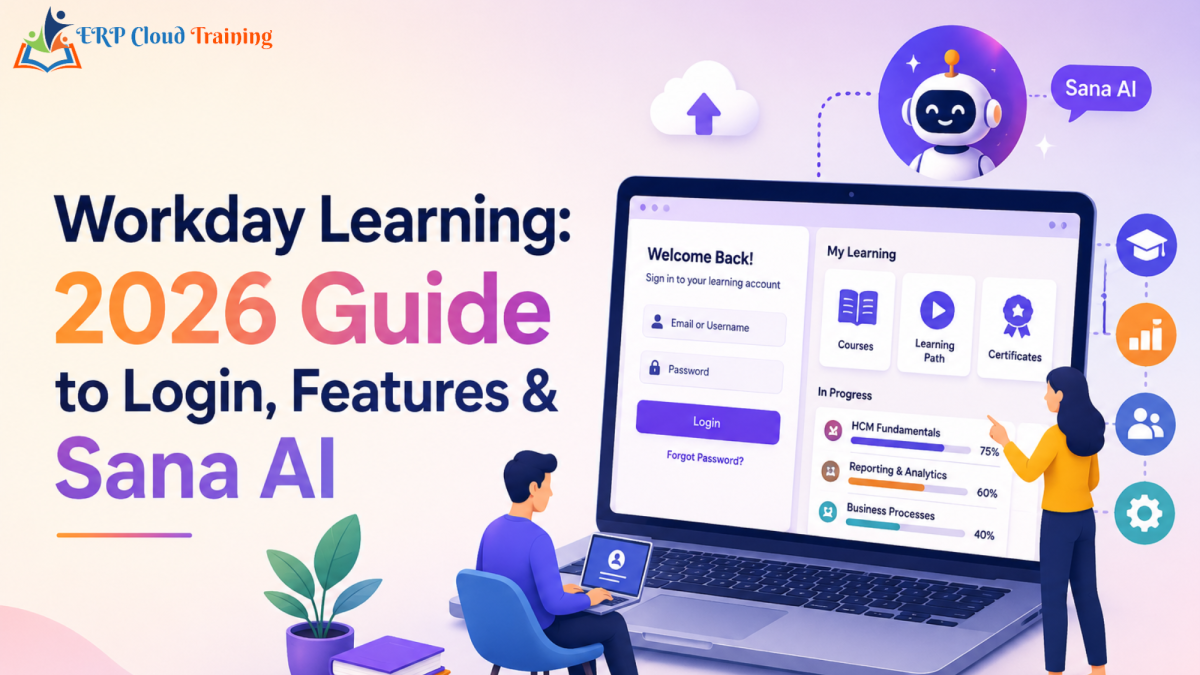
For an employee, Workday Learning can provide a highly personalized place to discover learning, manage all the required training, create learning paths, and also track progress. The Learning dashboard includes areas like Learning Home, My Learning, and Discover, while machine-learning capabilities can be fruitfully used to recommend and surface all the relevant content.
For managers as well as administrators, Workday Learning provides effective tools to assign and distribute relevant content, manage enrolments and campaigns, monitor the process of completion, administer learning content, and report on learning activity.
The 2026 release adds another important layer: Sana's AI-native learning capabilities. Workday Learning now essentially combines its system-of-record, learning management, security, reporting, and people/skills foundation with Sana's AI-powered learner and content experience.
At a glance
| Item | Workday Learning |
|---|---|
| Original announcement | 2015 |
| Planned GA | 2016 |
| Current 2026 offering | Workday Learning, powered by Sana |
| Deployment | Cloud/SaaS within the Workday platform |
| Core users | Learners, L&D teams, managers, administrators |
| Core focus | Learning management + skills + AI-powered experience |
For a deeper explanation of the broader LMS concept, you may see our guide to the Workday LMS.
Workday Learning, Powered by Sana: What Changed in 2026?
A major milestone for Workday Learning came on July 22, 2026, with the general availability of Workday Learning, powered by Sana. Workday states that the solution combines trusted people of Workday and skills data with Sana's AI-native learning experience.
This notable development is followed by the acquisition of Sana by Workday. Workday officially announced the significant acquisition in September 2025 and then eventually completed the process on November 4, 2025. The company said that Sana would bring several notable and useful AI-powered agents, search, knowledge, and major learning together with the data and context of Workday.
So, what all has actually changed?
1. AI tutoring for learners
Employees can now conveniently interact with a highly personalized AI tutor that can correctly explain all Workday concepts, answer all probable questions related to Workday learning material, help learners greatly to practice skills, and also skilfully recommend what to learn next.
2. Creation of AI-assisted course
Learning creators can use AI to turn all existing material into the most interactive learning process. Workday specifically highlights the ability to convert PDFs, presentations, and SCORM content into the most interactive courses, as well as AI-powered translation into as many as 50+ languages.
3. More interactive learning
The new experience supports a series of exciting features like never before, which includes polls, quizzes, simulations, live and on-demand content, and also very insightful AI-generated learning experiences.
4. Automated learning operations
Administrators can easily and conveniently automate assignments, enrolments, notifications, and learning campaigns with the help of Workday data, reducing the most repetitive administrative work.
5. The Workday foundation remains
The Sana-powered experience does not replace the role of Workday as the system of record for learning. Workday documentation states that assignments, enrolments, and various learning records still continue to remain in Workday Learning, while the newly introduced Sana provides extensive authoring and the in-lesson experience to the takers.
For the large base of existing Workday customers, this particular transition therefore means adding AI-native learning capabilities to a well-established Workday Learning foundation rather than abandoning the underlying learning-management architecture under any circumstances.
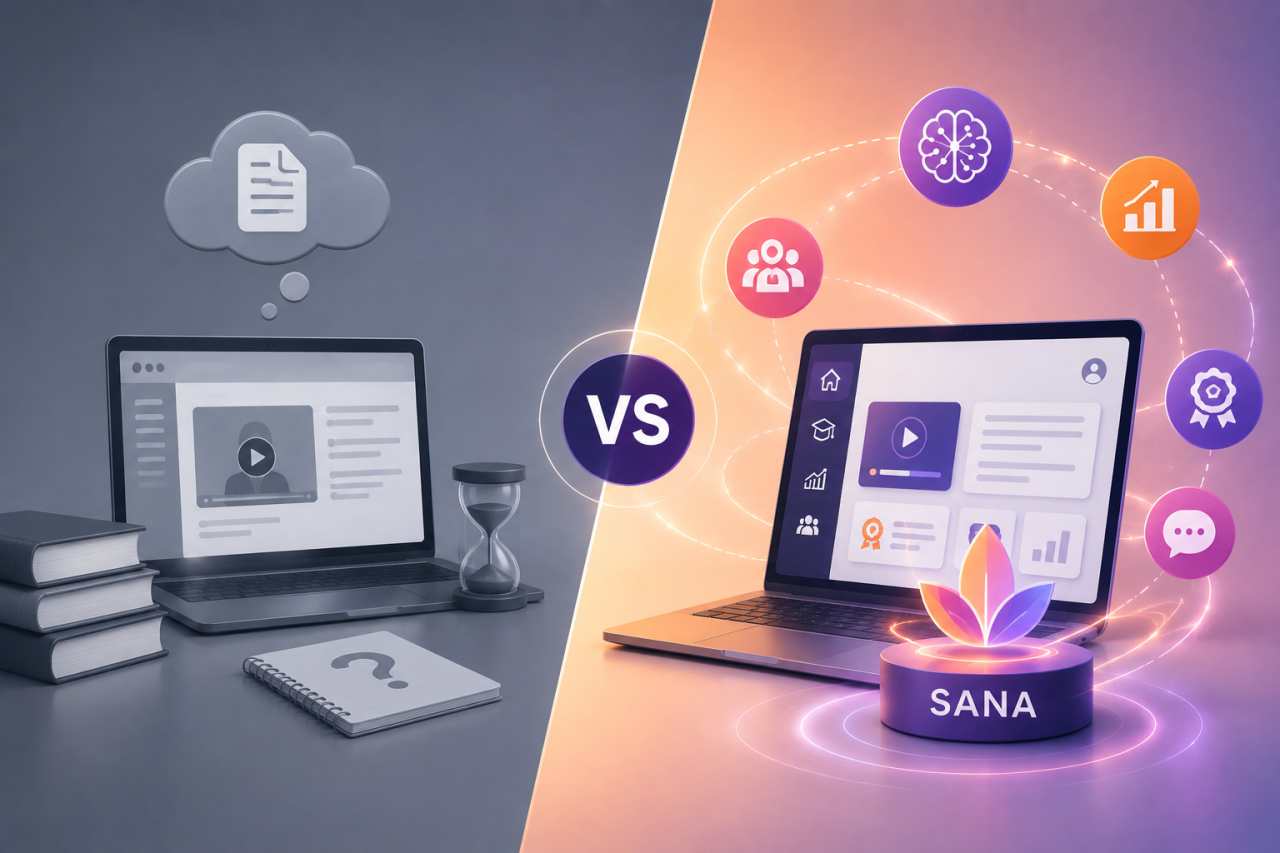
Classic Workday Learning vs. Workday Learning Powered by Sana
| Area | Classic Workday Learning | Powered by Sana |
|---|---|---|
| Learning management | Involves only Workday Learning | Integrates Workday Learning with Sana |
| Authoring | Includes Workday Learning content tools | Offers AI-assisted authoring and creation of courses |
| Learner experience | Offers a personalized learning experience | Offers an AI tutor as well as personalized learning |
| AI | Machine-learning recommendations and automation are available | Generative/agentic AI across learning is available |
| Administration | Assignments, enrollments, Campaigns, & reporting | These capabilities plus AI-powered automation |
| Data foundation | Workday HCM/skills data | Same Workday foundation with Sana AI experience |
The key distinction is that Sana adds an exciting AI-native experience rather than just turning Workday Learning into an entirely separate LMS. Workday explicitly positions the new solution as effectively combining learning management, reporting, and well-trusted Workday data with Sana's authoring and learner experience.
Want to master the new Sana-powered Workday Learning module hands-on? Our Workday Learning Training essentially includes practical tenant-based learning so that you can work through the scenarios of real configuration.
Workday Learning Login: How Do You Access the Workday Learning Centre?
There is a crucial point about Workday Learning login: there is no single public Workday Learning login page that every employee usually uses.
Access is normally provided through the Workday environment of your employer. Your organization largely determines the method of login, which may include an organizational Workday URL and also single sign-on (SSO).
Once you are successfully authenticated, your access to Learning primarily depends on the Workday configuration and the security that is assigned to your account.
After entering Workday, employees can easily access the Learning dashboard if it has been enabled for them. The documentation of Workday identifies Learning Home, My Learning, and Discover as key areas of the Learning dashboard.
Process of logging in to Workday from a desktop browser
Firstly, you need to open the Workday login page of your organization.
Then enter your authentic Workday credentials, or you may select the SSO option of your organization.
Now it is time to complete any required multi-factor authentication for safety and privacy.
After you finally reach the Workday home page, open View All Apps or the relevant application menu.
Then select Learning if it is available to your security role.
You should then reach the configured Learning experience offered by your organization, such as Learning Home.
The exact process of navigation can largely differ because organizations can easily configure Workday's menus, dashboards, worklets, branding, and necessary links.
Accessing Workday Learning conveniently on mobile during the go
Workday also provides mobile access to the functionality of Workday, but the exact Learning experience available to an employee surely depends on the set configuration and enabled features by a concerned organization.
Especially for the frontline and deskless employees of an organization, mobile access can easily make the entire process of learning readily available away from a traditional desktop. Workday's own customer story on McKee Foods wonderfully describes how approximately 700 truck drivers use their mobile learning and also reports that 15,000 training videos were watched within the span of a few months.
Workday Learning Login Problems and Fixes
| Problem | What needs to be checked? |
|---|---|
| Forgot the set password | In this case, you may use your organization's password-reset process, or you may contact the IT department of the concerned organization. |
| No organization URL appearing | If you face this issue, then check your HR onboarding email, employee portal, or you may review your internal IT documentation. |
| Learning is missing | Your account may not have the required Learning/security access. In this case, you need to contact the Workday administrator. |
| Account locked | Follow the account-recovery process of your organization. |
| SSO keeps looping | Contact IT if the identity-provider session repeatedly redirects you. |
| Learning content unavailable | Check if you have the required assignment, enrolment, eligibility, or security access. |
All of the above issues often appear to be organization-specific, rather than problems with a universal Workday Learning service. Workday's documentation makes clear that access to learning actions is governed by various roles and security permissions.
Inside the Workday Learning Module: 7 Key Features
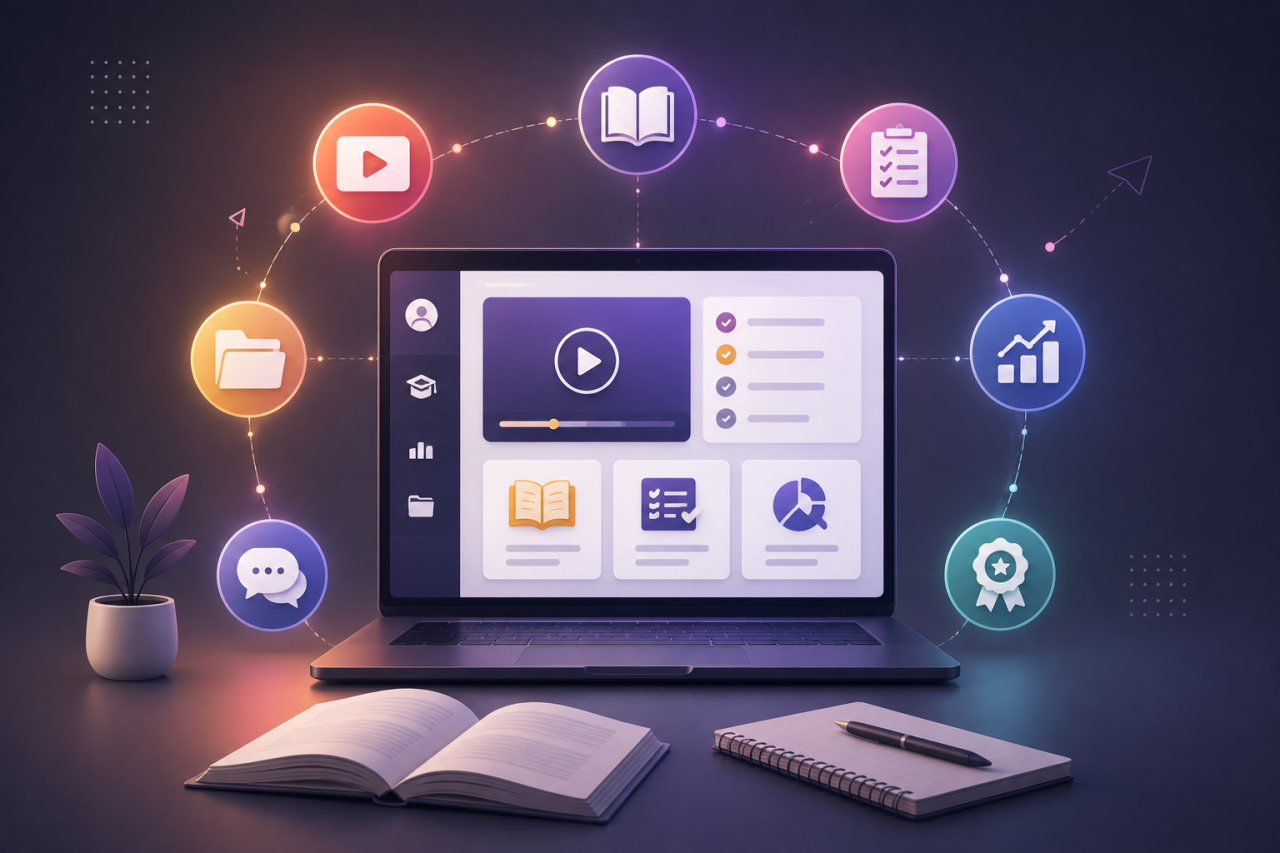
AI-powered, skills-driven recommendations
Workday Learning is designed to connect learning with the appropriate skills and workforce context. Its Learning dashboard can use machine learning to surface multiple recommendations based on the interests and other configured signals.
On the other hand, the Sana-powered experience takes this further through personalized AI tutors and learning paths well-tailored to employees' skills, roles, and goals.
Content authoring and built-in learning content
Administrators can create learning components which include lessons, surveys, courses, and programs. The 2026 Sana-powered version adds AI-assisted authoring, including conversion of PDFs, presentations, and SCORM material into the most interactive courses.
Learning campaigns and mass enrolment
Administrators can use Learning Mass Enroll, campaigns, and various other effective enrolment methods to distribute learning to both individuals and groups. Managers can also enrol direct reports through the option of Enroll My Team, which is subject to security and configuration.
Social and peer-to-peer learning
Workday Learning allows learners to rate and comment on the learning content, create effective learning paths, and also share learning paths with other workers. This facilitates organizations in complementing formal training with employee-driven discovery.
Blended and instructor-led training
Workday Learning supports digital as well as blended learning. It includes instructor-led lessons and also course offerings. Administrators can configure instructors, capacity, schedules, prerequisites, and also several other course rules.
Compliance tracking and reporting
Required learning can be flexibly assigned with the mention of due dates, reminders, and tracking of completion. Workday provides reports covering assignments, enrolments, content, campaigns, and other learning activity. Learning certification, prerequisite, equivalency, and also expiration rules can possibly be configured.
Extended Enterprise Learning
Workday Learning can very well support learning audiences beyond the traditional employees. Its documentation likely includes functionality for extended-enterprise learners, pricing rules, external assessors, and e-commerce scenarios, making the entire platform relevant where organizations need to train external audiences as well as employees.
Major Benefits of the Workday Learning Platform for Organizations
Single connected system for the workforce and also for learning data
The strongest strategic advantage for organizations already running Workday HCM is the connection between the employee, organizational skills, and also learning information. Workday positions Learning as part of its broader HCM environment, allowing learning insights to be viewed alongside the workforce information.
Learning closer to the flow of work
Employees do not have to treat learning as an entirely separate process from business. The current Learning experience of Workday connects learning to employee context as well as skills, while the Sana-powered experience adds well-personalized tutoring and recommendations.
Better compliance control
Required learning can be assigned, given due dates, monitored, and reported. This specifically creates an auditable mechanism for the business organizations that are managing mandatory training.
Stronger career development
Learning can be connected to various skills, progressive career plans, and also a series of development activities. The documentation of Workday specifically describes learning paths and career-related learning suggestions.
Scale without creating disconnected learning data
Organizations that have adopted Workday can manage digital, blended, campaign-based, and external learning through the same broader platform. Workday's 2026 release adds AI automation for content and learning operations, potentially reducing the administrative effort as well as programs grow.
How to Use Workday Learning: Step-wise Guidance
The exact workflow is found to vary by security role and tenant configuration, but the basic pattern remains straightforward:
Administrators: create or configure learning → define all the rules → assign or enrol learners → communicate all the necessary requirements → monitor the completion → report outcomes.
Managers: identify development needs → find relevant learning → enrol team members wherever permitted → monitor the final progress.
Learners: open Learning → then discover or review the assigned content → enrol where it deems to be appropriate → complete learning → finally track the progress in My Learning.
The administrator documentation of Workday confirms that learning administrators can easily manage content, enrolments, campaigns, waitlists, and assignments, while learners can browse and enrol in all available content.
How to assign learning in Workday
Administrators usually have several assignment mechanisms. Learning Mass Enroll allows administrators to successfully identify workers and enrol them in the available content. Managers can use Enroll My Team to generate direct reports, while configured security groups can use facilitated enrolment.
A typical administrator workflow is:
First identify the target population.
Then select the appropriate learning content.
Decide whether learning should be required or not.
Set a due date where it is appropriate.
Configure reminders or campaign communications.
Submit the enrolment/assignment.
Monitor the process of completion through learning reports.
Workday allows administrators to filter enrolment audiences using certain attributes like job profile, location, and worker type. Campaigns can also distribute learning according to a defined schedule.
How to find and enrol in courses?
Learners can use the Learning dashboard to browse all the available content. The Learning experience of Workday provides areas like Learning Home, My Learning, and Discover. Learners can enrol in digital courses, blended offerings, as well as programs when enrolment is available.
A typical learner journey is:
Firstly, open Learning.
Then search or browse Discover.
Review all the course details and also eligibility.
Select the relevant offering.
Enroll or register.
Then complete the assigned content.
Finally, monitor the status through My Learning.
Workday can also support waitlists where configured offerings are full.
How do you drop or cancel a course?
Learners can drop eligible enrolments and then provide a drop reason when the tenant configuration allows it. Administrators have certain broader tools for managing and cancelling enrolments, including processes for mass cancellation. Workday distinguishes between dropping an enrolment and other actions like cancelling an enrolment or waiving a learning assignment.
Because all of these actions depend on the type of learning, status of enrolment, assignment record, and security permissions, the exact buttons available to an employee may differ from those available to an administrator.
How to view Workday Learning reports and dashboards?
Workday provides standard learning reports that usually cover areas like learning assignments, enrolments, creation of content, campaign status, and campaign email analytics. Administrators can also create custom reports that are based on learning data sources.
For instance, an L&D administrator might use reporting to answer:
Who has completed mandatory training?
Which employees have overdue assignments?
Which courses are being created or consumed?
How are the campaigns performing?
Which learners are enrolled in these particular offerings?
This capability of reporting is specifically crucial when Learning is being used for the purposes of compliance, certification, or enterprise workforce-development programs.
Reading the steps is one thing. Doing them is another.
Practice assigning learning, building courses, and running reports in a real Workday tenant — guided by an implementer with 17+ years in Workday.
Workday Learning vs. Other LMS Platforms: Is It an LMS or an LXP?
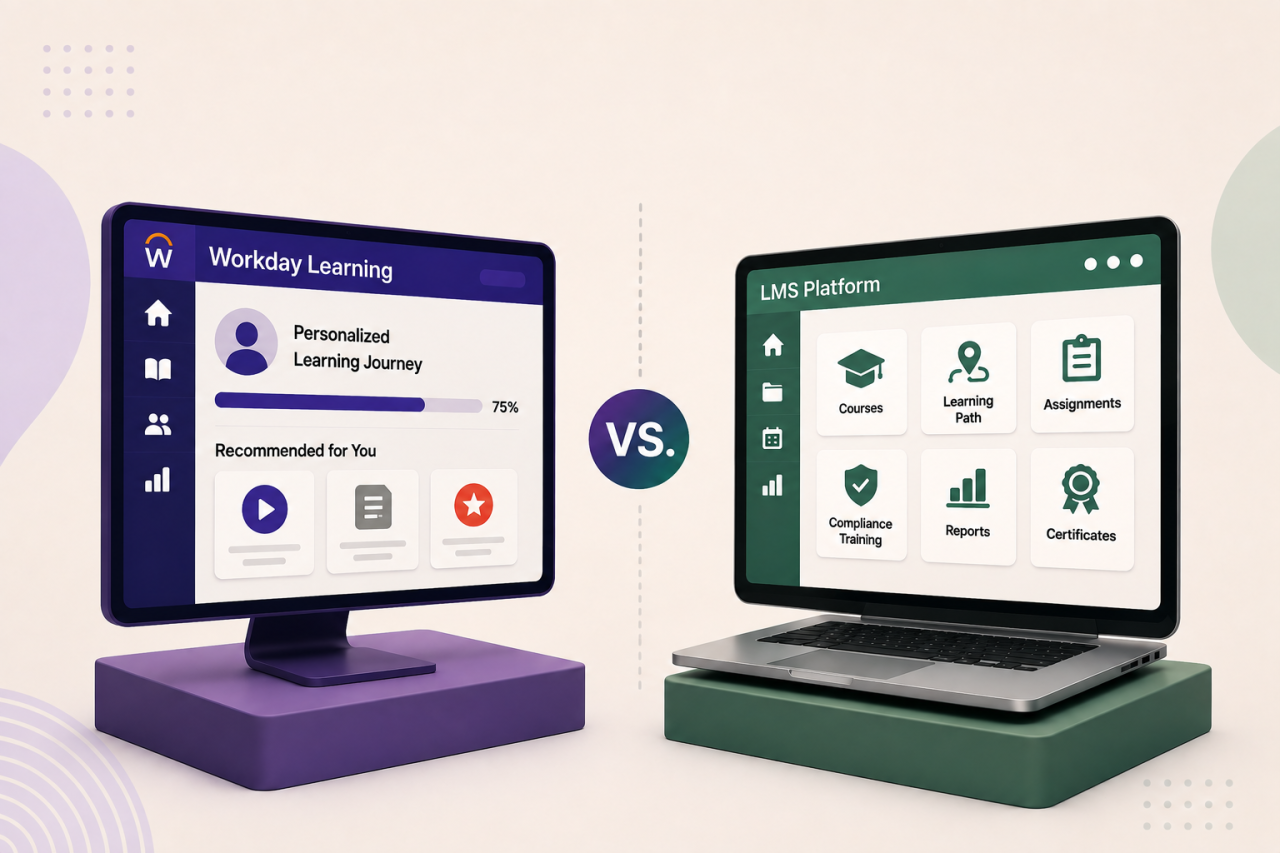
This is a very frequently asked question: whether Workday Learning is an LMS or an LXP. The simplest and most accurate answer to this is: Workday Learning is fundamentally an LMS. However, its learner experience essentially includes numerous LXP-style capabilities. The distinction certainly matters because an LMS traditionally emphasizes structured administration, the kind of assignments, compliance, completion timelines, and reporting, while an LXP generally emphasizes discovery, personalization, recommendations, and also learner-driven experiences.
Workday itself says its new Sana-powered Learning experience is strategically designed to combine personalized learning with several mandatory and auditable training and analytics within HCM.
| Platform | Strongest fit | HCM connection | Learning experience |
|---|---|---|---|
| Workday Learning | Perfect for Workday-centric enterprises | Native Workday HCM connection | LMS + personalized/LXP-style experience |
| Cornerstone | Suitable for Enterprise learning and talent | Integrates with enterprise HR environments | LMS + LXP capabilities |
| Docebo | Perfect fit for Enterprise learning, customer and partner education | Integrates with HR/enterprise systems | LMS + social/AI experience |
| SAP SuccessFactors Learning | It is a perfect pick for SAP-centric enterprises | Native SuccessFactors HCM connection | LMS + skills/personalization |
Cornerstone perfectly describes modern LMS platforms as increasingly combining LMS, LCMS, and LXP capabilities. Docebo, on the other hand, combines formal learning with AI-assisted learning, content creation, social learning, and also numerous extended-enterprise use cases. Whereas SAP SuccessFactors Learning combines compliance, AI recommendations, skills-driven learning, mobile learning, and HCM integration.
The practical conclusion is that the best LMS primarily depends on your existing enterprise ecosystem. For any organization that is already standardized on Workday HCM, Workday Learning's native connection to people and skills data can be considered to be a major consideration.
Integrations with Workday Learning
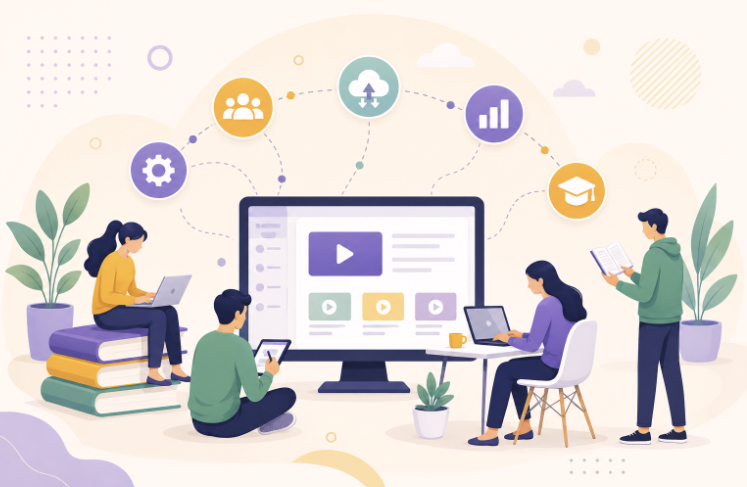
Workday Learning is not just limited to content that is created internally. Workday supports integrations with the widest range of external learning-content providers, including Coursera, Harvard ManageMentor, Go1, LinkedIn Learning, Pluralsight, Skillsoft Percipio, Udemy Business, and YouTube.
Workday also offers Workday Content Cloud, which primarily brings third-party content into the Workday Learning experience so that users can discover and consume content without leaving the platform.
For business organizations with more complex requirements, Workday provides integration capabilities as well as web services that can support data exchange with external systems. Workday's broader platform also includes Workday Extend for the purpose of custom applications.
The crucial point for IT leaders is that integration should be well-assessed as per the use case rather than merely assuming every third-party tool will have the same pattern of implementation. Content-provider integration, synchronization of employee data, authentication, billing, reporting, and also custom application requirements can involve several types of technical approaches.
Workday Learning Pricing: What to Expect?
Workday does not publish a standard public price list for Workday Learning. Enterprise pricing is generally quote-based, so business organizations adopting Workday should request a commercial proposal that is based on their specific requirements.
The eventual cost can surely depend on factors such as:
Workforce/headcount
Workday products that are already licensed
Requirement of learning functionality
Implementation and configuration
Integrations
Support and training
Extended Enterprise requirements
Additional services or content
Workday's documentation also shows that Learning can support course pricing, including various pricing rules as well as e-commerce scenarios for certain use cases.
For context, Forbes Advisor has reported a starting Workday price of around $99 per user per month based on user reports, but that is not an official Workday Learning price and should not be treated as a quotation or benchmark for your implementation.
For knowing an accurate figure, you should ideally contact Workday or an authorized Workday representative.
Who All Uses Workday Learning? - Real-World Use Cases
Ferguson Enterprises
Ferguson Enterprises uses Workday Learning alongside HCM, Talent Acquisition, Time & Attendance, and Payroll. Workday says Ferguson uses Learning to improve employee lifecycle engagement, optimize the strategies of learning, and provide self-service for learning campaigns. Its broader Workday transformation also produced reported improvements including a 24% recruiter efficiency gain and 119% payroll efficiency gain - figures that relate to the overall Workday transformation rather than just Learning alone.
Fugro
Fugro provides another major instance of Learning that is being connected to broader talent strategy. Workday reports that the company moved its Fugro Academy toward Workday Learning in order to make training available to the employees and used Workday data to connect capabilities, development paths, ambitions, and career planning.
McKee Foods
McKee Foods illustrates the immense value of mobile learning for the frontline workers. Workday identifies it as the first Workday Learning customer and reports approximately 700 truck drivers who use this learning approach, with 15,000 training videos watched within months.
These specific examples likely demonstrate three different use cases: enterprise learning operations, extensive skills & career development, and learning for distributed frontline workforces.
Building a Career with Workday Learning Skills

Workday Learning specifically creates the most incredible opportunities across both functional HR technology and learning operations. Relevant roles include:
| Role | Typical focus |
|---|---|
| Workday Learning Administrator | Configuration, enrolments, content, reporting and support |
| Workday Learning Functional Consultant | Implementation, requirements, configuration and client advisory |
| L&D Specialist | Learning strategy, content & employee development |
| HRIS Analyst | Workday data, processes, reporting and system support |
A strong Learning professional should thoroughly understand learning-content configuration, enrolment and campaign management, security, reporting, business processes, integrations, and skills-based learning. Knowledge of Extended Enterprise becomes specifically useful for organizations in their initiatives of training customers, contractors, partners, or other external populations.
For formal Workday certification, the official ecosystem is certainly considered to be very crucial. Workday currently lists Learning Certification under its Workday Pro certifications for customers and partners, while its certification ecosystem also includes partner-based pathways.
Workday also states that its Pro certifications validate expertise and involve recommended courses and a required examination.
A practical learning route
For someone who is entering the field, the most useful sequence is:
Workday fundamentals → HCM foundation → Learning configuration → Security → Reporting → Integrations → Hands-on implementation scenarios → Certification pathway.
Conclusion: Is Workday Learning Right for You?
For business organizations and institutions already running Workday HCM, Workday Learning deserves serious consideration because its strongest differentiator is the connection between learning, skills, workforce, and HR data.
For business organizations not using Workday, the decision is different. A standalone LMS may be worth evaluating alongside Workday, particularly if learning is the primary requirement rather than a broader HCM transformation.
For professionals, 2026 is an especially interesting time to learn Workday Learning. The Sana-powered release adds extra features like AI tutoring, automated learning operations, AI content creation, & skills-based personalization to an established enterprise learning platform.
The larger direction is absolutely clear: enterprise learning is moving from simply recording course completion toward AI-assisted, skills-oriented, and personalized development.
Categories: : Workday Training
Frequently Asked Questions
1. What is the process that I should follow to log in to Workday Learning?
There is no universal public Workday Learning login for all users. Employees normally access Learning through their organization's Workday tenant, using their company credentials or SSO. Once they are inside Workday, Learning appears according to the employee's configuration as well as security permissions.
2. What is the Workday Learning Centre and where do I find it?
The term "Workday Learning Centre" is commonly used to describe the learning area within the Workday environment of a concerned organization. Workday's official documentation primarily refers to the Learning dashboard, including Learning Home, My Learning, and Discover. Your administrator of the concerned organization likely determines exactly how these areas appear.
3. What is Workday Learning powered by Sana?
Workday Learning powered by Sana is Workday's 2026 AI-native learning experience that very specifically combines Workday Learning's people, skills, security, learning-management, reporting, and compliance foundation with Sana's AI-powered tutoring, authoring, content creation, personalization, and also the various unique learning operations. It was officially made available for use on July 22, 2026.
4. Does Workday Learning have a mobile app?
Workday provides mobile access to all its applications, and mobile learning can be specifically useful for frontline employees. Workday's McKee Foods customer story describes approximately 700 truck drivers who use mobile learning, and 15,000 training videos were watched within months. Exact mobile functionality specifically depends on the configuration of a concerned organization.
5. How much does Workday Learning cost?
Workday does not publish a standard public price for Workday Learning. Pricing is generally quote-based and can likely vary according to the size of the workforce, product range, configuration, implementation, integrations, support, as well as other requirements. Third-party figures like $99 per user per month should be treated as reported estimates, and not the official Workday pricing for sure.
6. Is Workday Learning an LMS or is it an LXP?
Workday Learning is fundamentally an LMS. It supports assignments, enrolment, compliance, reporting, learning records, and administration. However, its personalized recommendations and learner-driven experiences give it several LXP-style characteristics. The Sana-powered version is well-known for expanding this further with AI tutoring and also personalizing the learning experiences.
7. Can employees create their own content in Workday Learning?
Workday Learning primarily supports content creation and administration at the same time, while the Sana-powered version very efficiently adds AI-assisted authoring capabilities. Workday specifically describes AI tools that can turn existing presentations, PDFs, and SCORM content into interactive courses. Who can create or edit content depends on the security permissions that are configured by the organization.
8. How do I get Workday Learning certification?
Workday's official certification ecosystem essentially includes Learning Certification under Workday Pro certifications. Workday says Pro certifications include the most recommended courses and a required examination and are intended for Workday customers and partners. Access and eligibility mainly depend on the applicable pathway to achieve Workday certification.
9. Does Workday keep track of timely completion of learning and training?
Yes. Workday Learning maintains learning records and also provides reporting around assignments, enrolments, campaigns, completions, and other learning activity. Administrators can use standard and custom reports to monitor required training and other learning programs. Workday's documentation also supports the process of certification, prerequisite, equivalency, and expiration rules.
Article written by
Mary is a globally recognized ERP and Workday expert, and the founder of ERP Cloud Training, with over 30 years of ERP implementation experience and 17+ years specializing in Workday. As a functional and technical subject matter expert, she was part of the original Workday design team and has led enterprise-wide deployments across 40+ modules, including HCM, Finance, Payroll, Recruiting, and Integrations, in collaboration with top-tier firms such as IBM, Accenture, PwC, KPMG, and Alight.
Mary is also a prolific Workday blog author, dedicated to sharing her decades of hands-on experience through insightful, real-world content. Her writing dives deep into critical and often-overlooked Workday topics—many of which have never been formally taught or published. By translating complex implementation lessons into practical blog content, she enables professionals and learners to gain industry-ready knowledge far beyond textbooks or theoretical guides.
Her passion for writing stems from a desire to pass on her 30+ years of wisdom to the next generation of Workday practitioners. Mary continually upskills herself with the latest Workday innovations and trends, ensuring her blogs reflect the most current, actionable insights in the field. As a featured speaker at Workday conferences, she shares implementation strategies, problem-solving techniques, and emerging best practices drawn directly from global project experience.
Through her blogs, Mary aims to empower professionals worldwide with the depth, clarity, and confidence they need to succeed in real-world Workday roles.